Find true copies with full SHA-256, not just matching names
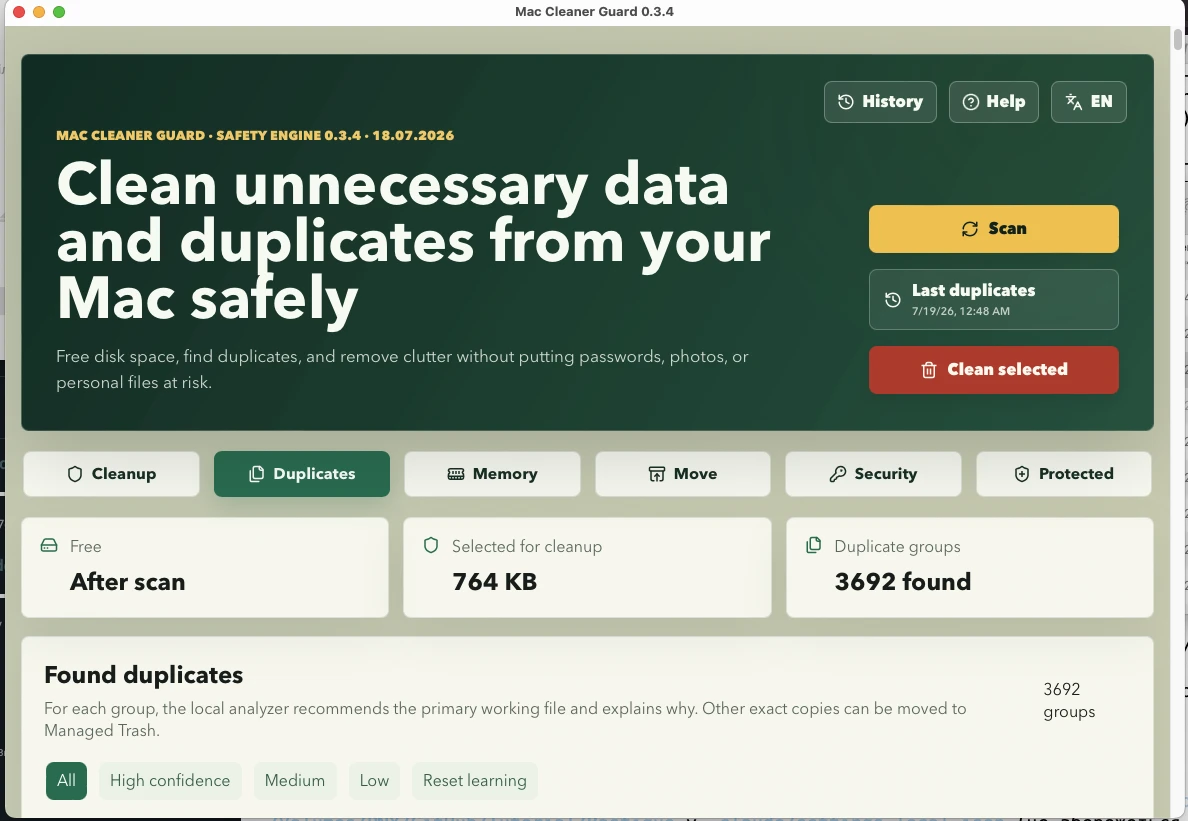
Files are compared by content and re-hashed fresh right before any action. You choose the primary file to keep; nothing is removed until you confirm.
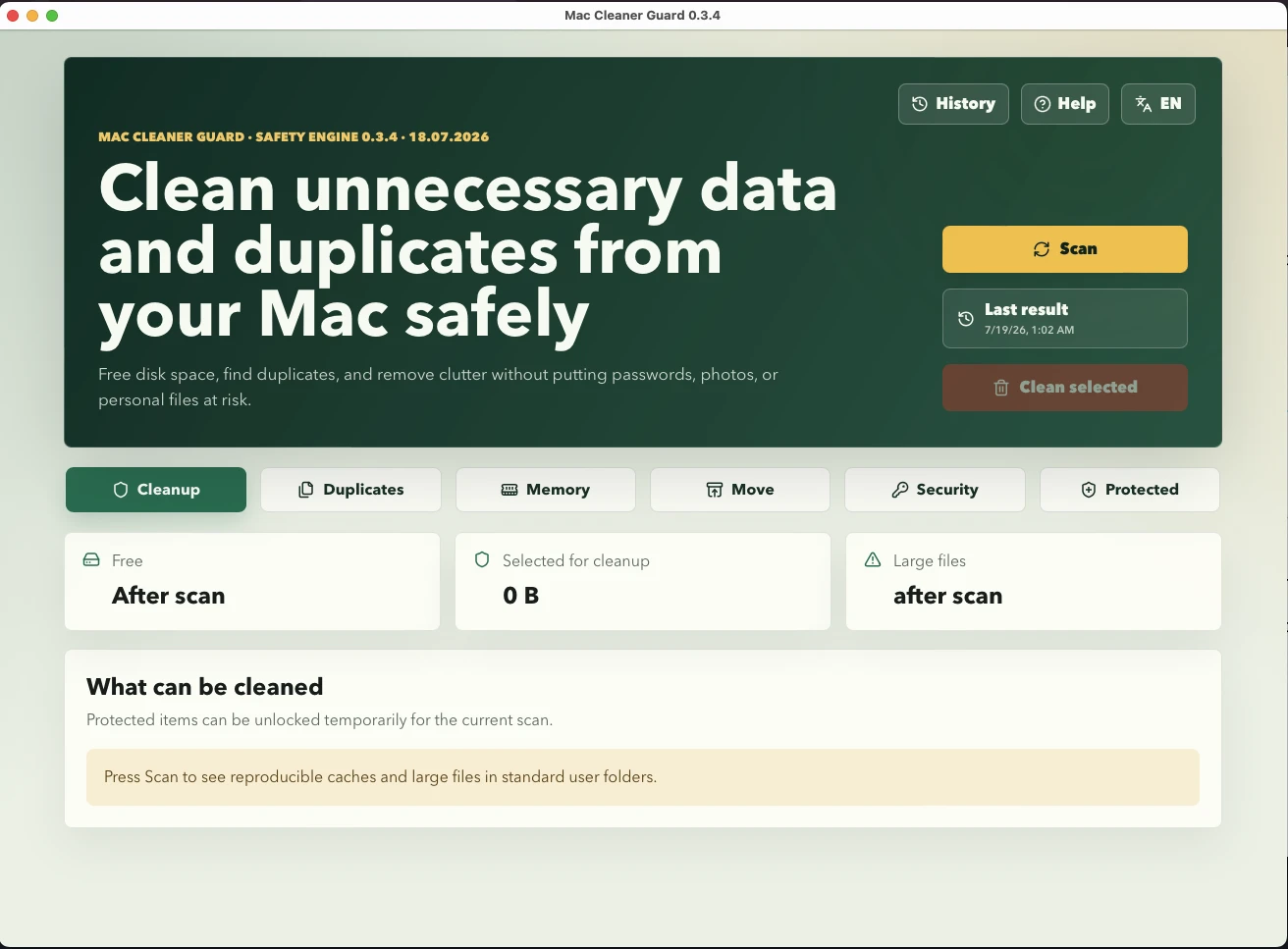
Reclaim gigabytes from reproducible caches, exact duplicates, Xcode and Docker leftovers, and forgotten large files. Every removal is reviewed before it happens, reversible through Managed Trash, and analyzed entirely on your Mac.
Runs entirely on your Mac · Nothing is removed without your review · Managed Trash keeps every action reversible
Replace guesswork and risky one-click cleaners with a calm, transparent workflow that shows exactly what it found, why it is safe to remove, and how to get it back.
Mac Cleaner Guard scans first and never selects anything blindly. Each item carries a risk level — Safe, Confirm, or Protected — so you always know what a removal means before you approve it.
Scanning is read-only. When you clean, items move to a Managed Trash you control, not to oblivion. Freeing the space for good is a separate, explicit step — so a wrong click is never permanent.
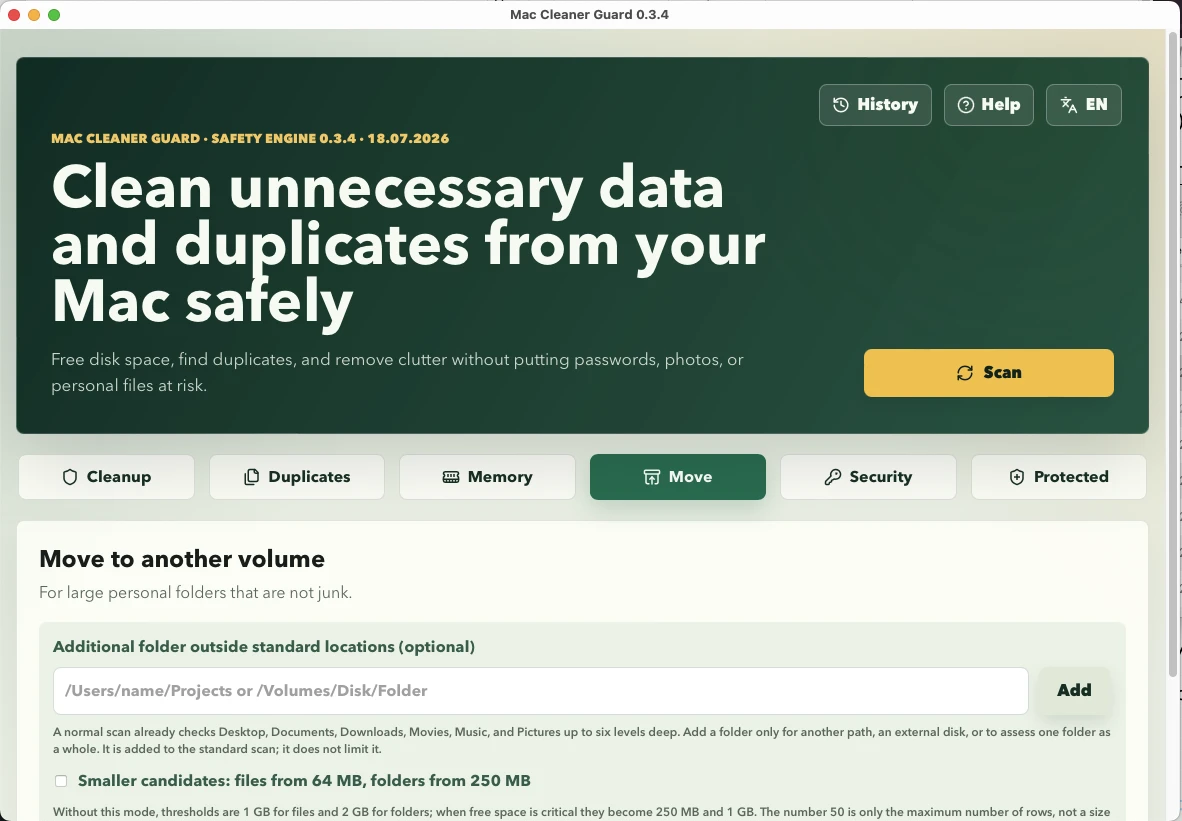
The tools that keep a busy Mac tidy — duplicates, secrets, memory, and developer leftovers — in one place, each with the same safety-first rules.
Files are compared by content and re-hashed fresh right before any action. You choose the primary file to keep; nothing is removed until you confirm.
Results are redacted, never uploaded, and never auto-deleted.
Clear diagnostics, with no risky purges of swap or processes.
Cleanup uses each tool's own official commands where possible, groups reproducible artifacts, and keeps active toolchains protected — so nothing you still depend on disappears.
Mac Cleaner Guard is in early access. Request a build, check the requirements, and know exactly what you are installing.
The full safety-first toolkit, running entirely on your Mac.
Runs on Apple Silicon and Intel Macs.
Availability and version details come from the real release at download time. Mac Cleaner Guard makes no claim of App Store listing or notarization unless shown on the download itself.
No. Scanning is read-only and nothing is selected on your behalf for protected or risky items. When you clean, items move to a Managed Trash first. Freeing the space permanently is a separate, explicit action you take yourself.
No. All analysis — cleanup, duplicates, offload, and the security scan — runs locally on your Mac. There is no cloud analysis and no telemetry of your file contents.
Yes. Cleaned and offloaded items go to a Managed Trash, and the History screen lets you undo and restore them until you choose to purge. Purging is the only step that frees space for good.
macOS system data is never mass-deleted. Sensitive areas such as iCloud Drive, Mail, Messages, and backups are report-only, and iCloud placeholders are never downloaded just to scan them.
Candidates are narrowed by size and a quick fingerprint, then confirmed with a full SHA-256 hash. Both the file you keep and the copy are re-hashed fresh immediately before any action.
It runs a local scan for unprotected passwords, tokens, and private keys, and reports findings with the secret redacted. It never uploads content and never deletes a file automatically.
Get launch updates and early-access information for Mac Cleaner Guard.
Get early access